
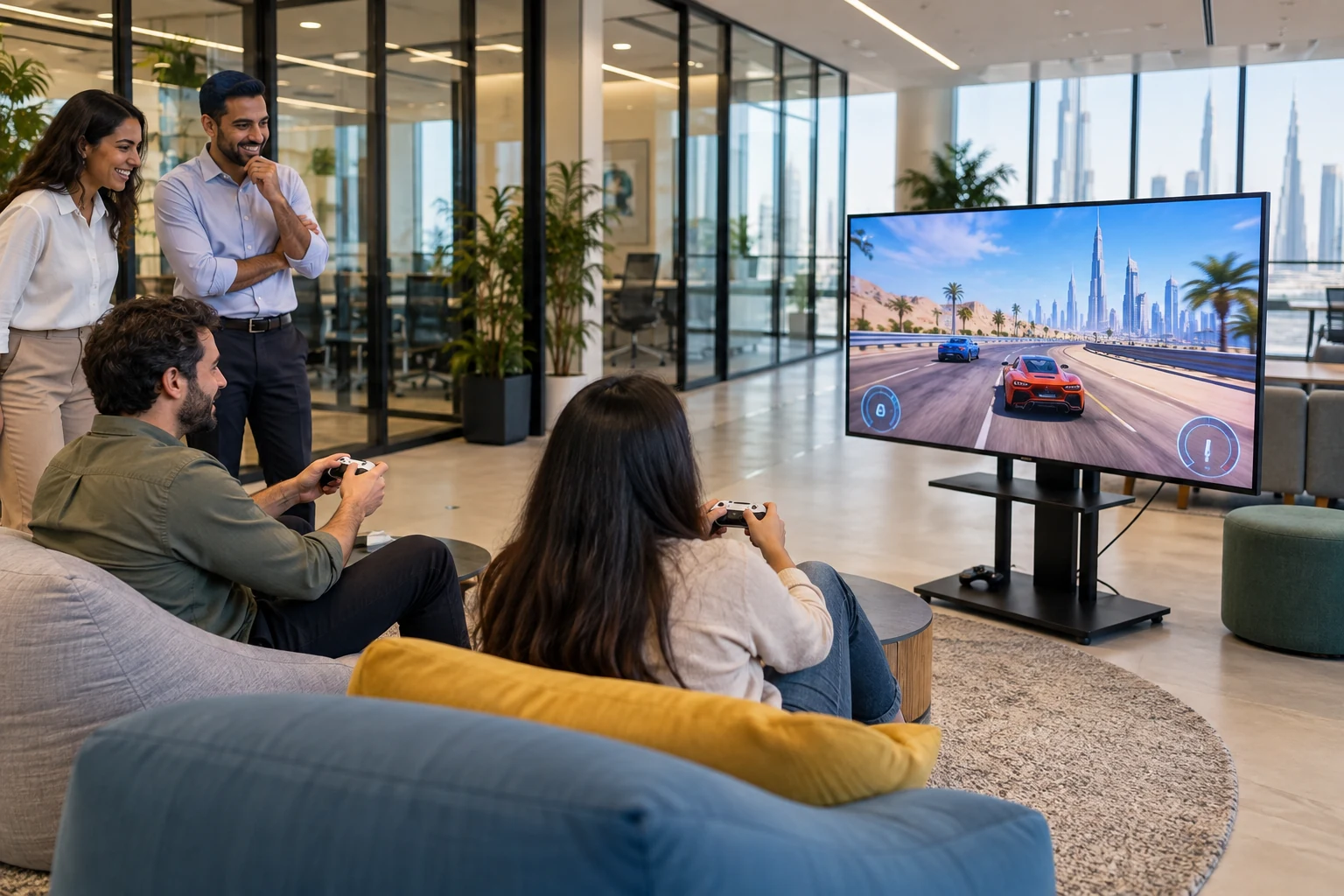
Organising an office gaming event in Dubai involves more than providing the right gaming consoles. HR must also check space, power, internet requirements, building access and the number of participating employees, then agree who is responsible for each part of the event.
Advance planning can help manage time, reduce waiting and identify technical issues before participants arrive. This guide provides a practical checklist for an in-office event, from defining the objectives to assigning setup and cleanup responsibilities.
Define the event goals and plan for different experience levels
Start by defining your objectives. Are you aiming for friendly competition between departments, or collaborative, team-based games? Consider employees’ experience levels and personal preferences:
- Choose games that beginners can learn with brief guidance, rather than assuming everyone has gaming experience.
- Avoid formats that depend heavily on prior experience or specific technical skills.
- Offer a choice of activities, including non-VR options, and allow people to observe or opt out.
For a larger event or activities tailored to corporate goals, explore the team-building activities offered by Game On Off. For an office event, the final plan should reflect the available space, participants and equipment.
Plan gaming stations and participant rotation
A rotation system can spread access across stations and make waiting easier to manage. One possible mix is a VR station, a group screen-game station and a seated console/controller station. Confirm the games and capacities before deciding group sizes; a group at a station does not mean everyone can play at once.
| Illustrative rotation | Group A | Group B | Group C |
|---|---|---|---|
| Round 1 | VR | Screen game | Console |
| Round 2 | Screen game | Console | VR |
| Round 3 | Console | VR | Screen game |
Example only: three groups and three stations. Agree group sizes, simultaneous players, turn lengths and changeover time with the vendor. Keep a non-VR choice available rather than making VR participation compulsory.
Check office space, power, network and building access
Begin venue checks early enough to resolve problems, then confirm the office is ready before the event day. Match the equipment and group sizes to the usable space, rather than treating the room’s total area as available play space.
Map out the gaming area and walkways
Create a preliminary layout showing stations, seats, waiting areas and access routes. If the event includes VR, agree the clear play area required by the exact headset, game and operating method. Keep queues, furniture and through-traffic outside that zone, and keep emergency exits unobstructed.
Illustrative office layout
- Station 1: VR. Agreed clear play zone; operator / participant only; no queue or through-route.
- Station 2: Screen games. Seated team activity; screen faces players; confirm cable routing.
- Station 3: Console. Seated controllers; confirm capacity; keep chairs in zone.
- Clear walkway. Keep exits and access routes unobstructed.
- Entry / briefing; waiting and non-VR choice; route to agreed exit.
Actual entry, exits, route widths, equipment and station positions require a venue check.
Illustrative office layout only. Not to scale and not an approved venue or safety layout. The vendor and building team must confirm actual space, route widths, exit access, cable paths and any required approvals.
Confirm power, internet and equipment requirements
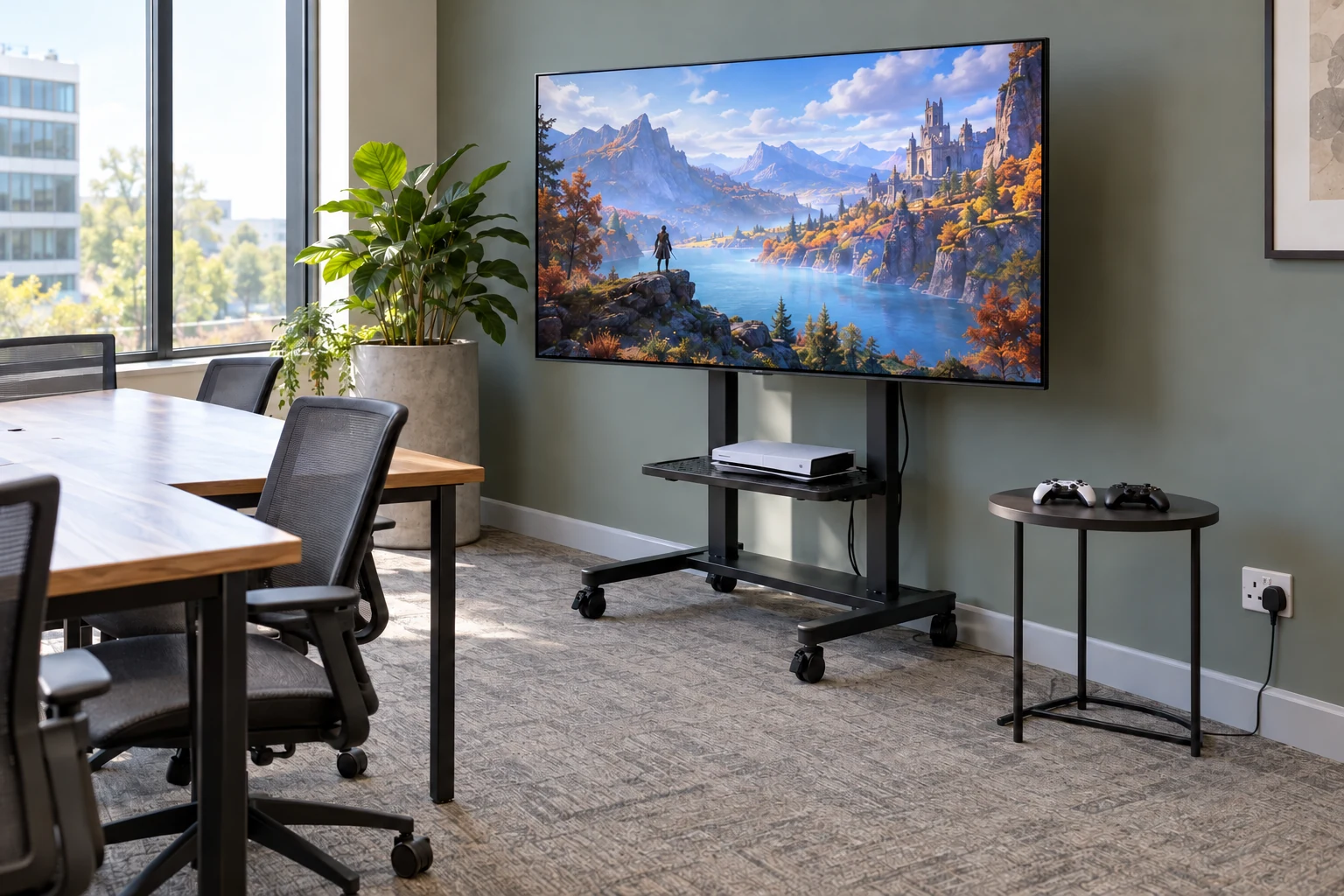
Coordinate with the vendor and your facilities or IT team to confirm electrical loads, suitable outlets, cable routing, screens and any network requirements. Confirm which games work offline and which need internet access, accounts or a local network. Test the agreed setup before participants arrive, including updates or access restrictions that could interrupt play.
Arrange building access and equipment load-in
Before finalising the event date, review the building’s rules for equipment deliveries, lift access, loading and unloading windows, parking and any required permits. Share the confirmed arrival route and an on-site contact with the vendor. Allow setup time separately from the employee programme; the required time depends on the actual equipment and venue.
Provide alternatives and agree safe operating responsibilities
Provide seated and non-VR gaming alternatives
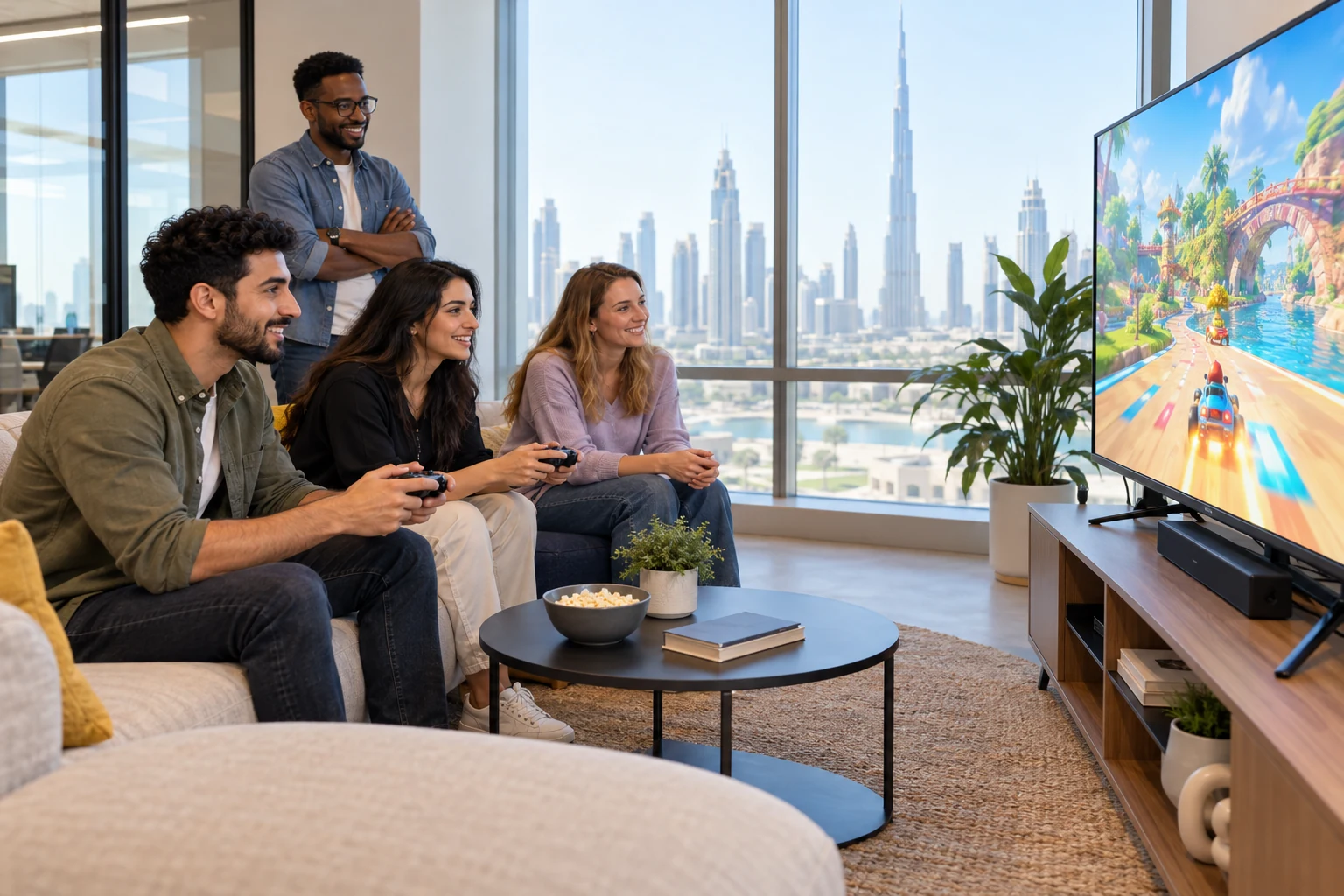
Not all employees will want to use a VR headset. Offer activities for different preferences and experience levels, including suitable seating where the selected game supports seated play. Explain participation rules before the activity starts, and discuss individual accessibility needs privately with the relevant participant and organiser.
Confirm with the vendor which activities and equipment are available and suitable before including them in the programme. A seated or non-VR game is an alternative, not proof that the event meets every participant’s accessibility needs.
Clean shared headsets and controllers
Agree who cleans each device, which manufacturer-approved method applies, and how much changeover time is needed. Follow the current instructions for the exact device and each component. For example, PlayStation’s PS VR2 maintenance guidance distinguishes device surfaces, lenses and the removable light shield; do not assume one cleaning product or method is suitable for all parts.
Check the required materials and allow any instructed drying time before reuse. Cleaning responsibilities and supplies should be stated in the agreed scope, rather than assumed to be included in the event service.
Keep play areas and cables safe
Before the event begins, check that screens and tables are stable, cables are secured appropriately, and walkways are free of obstacles. At VR stations, explain the controls and play-area boundaries, provide the required supervision, and tell participants to stop if they feel discomfort. Follow the device and game guidance; do not promise a discomfort-free experience.
Agree on technical support and equipment faults
Name the person responsible for technical issues, agree how to reach them during the event, and decide what happens if a station cannot operate. A practical fallback may be to pause that station and move participants to a confirmed alternative. Do not assume backup equipment or additional staff are included.
Confirm setup, staffing and cleanup responsibilities
Assign a named owner for each step, even where one person covers more than one role:
- Delivery and setup: transport, arrival time, station assembly, connections and pre-event tests.
- Operation and timekeeping: game explanations, participant support, queues and group changeovers.
- Technical support and hygiene: fault response, agreed cleaning method, supplies and turnaround time.
- Breakdown and cleanup: disconnect and pack equipment, remove cables and restore the office.
Review the Game On Off events page for service information, then confirm the specific equipment, roles and hours in writing. Staffing needs depend on the chosen activities, participant numbers and venue conditions.
Office gaming event setup checklist for HR
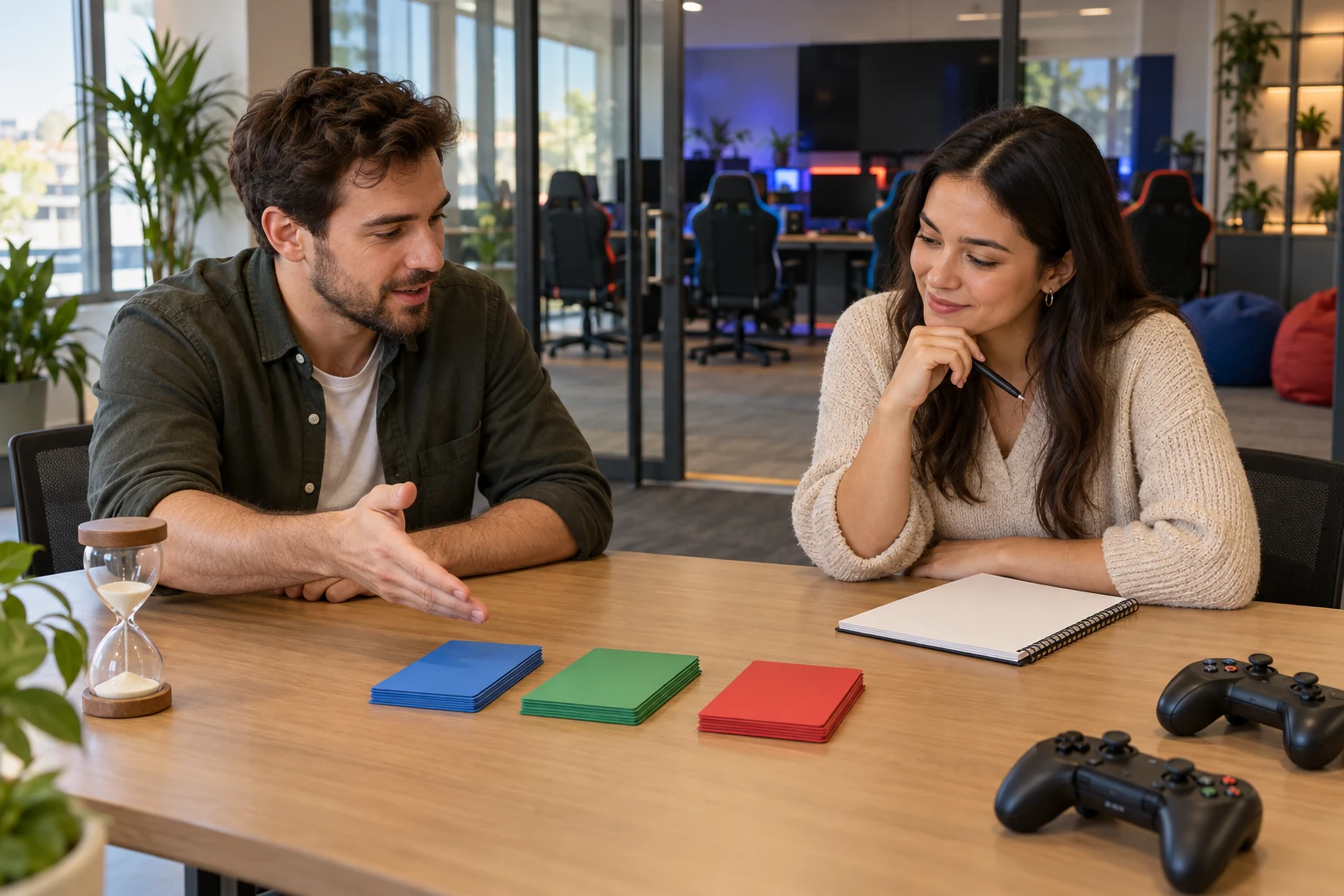
Use this checklist before the event. The owner column suggests who should coordinate each check; replace the role with a named person and a due date. Record evidence, not just a verbal assurance.
All rows start as To confirm. Change a status to Ready only when the evidence is checked; use Blocked where an unresolved issue prevents the planned activity.
| Check | Suggested owner | Evidence to record | Status |
|---|---|---|---|
| Event details | HR / organiser | Written date, employee programme times, headcount and participation format. | To confirm |
| Venue layout | Facilities + vendor | Reviewed layout with stations, seating, waiting zones, clear routes and exits. | To confirm |
| Power supply | Facilities + vendor | Equipment load and outlet plan; agreed cable routing and electrical checks. | To confirm |
| Internet and network | IT + vendor | Game-by-game connection needs; test result for the actual setup. | To confirm |
| Building access | Building contact | Approved delivery route, arrival window, lift / loading access and permits if needed. | To confirm |
| Play area and safety | Vendor + facilities | Station checks, VR boundaries, safe-use briefing and escalation contact. | To confirm |
| Gaming alternatives | HR + vendor | Confirmed seated / non-VR options and any agreed participant adjustments. | To confirm |
| Device hygiene | Named cleaning lead | Device-specific cleaning instructions, materials, responsibility and drying time. | To confirm |
| Staffing and timing | HR + vendor | Named operational roles, coverage hours, rotation plan and realistic changeovers. | To confirm |
| Technical fallback | Technical lead | Contact method and agreed response if a station, device or connection fails. | To confirm |
| Quote and services | HR / procurement | Written inclusions, exclusions, applicable charges, change and cancellation terms. | To confirm |
| Post-event handover | Facilities + vendor | Collection time, breakdown and cleanup owners, and room handover check. | To confirm |
Before opening the event: walk the space with the operational lead, test the stations, confirm the briefing and review unresolved items. Replan or pause any affected activity if its requirements cannot be met.
Sample two hour employee programme
This hypothetical run sheet gives employees a two-hour programme from 09:30 to 11:30. Setup from 09:00 to 09:30 and breakdown from 11:30 to 12:00 are separate, making the illustrated room booking three hours in total.
These timings are planning examples, not a supplier commitment. Confirm setup, staffing, cleaning and breakdown allowances for the actual venue and equipment. Extend the booking or reduce the programme if safe operation and device-specific cleaning cannot fit.
| Time | Activity | What happens |
|---|---|---|
| 09:00-09:30 | Setup and testing Outside employee programme |
Prepare stations, test power and connectivity, check equipment and clear walkways. |
| 09:30-09:45 | Arrival and briefing | Welcome employees, explain the schedule and participation options, and cover safe-use instructions. |
| 09:45-10:00 | Demonstrations and practice | Introduce the controls and let beginners practise before the rotations begin. |
| 10:00-10:20 | Gaming rotation 1 | Groups start at their assigned stations; use agreed turn-taking within each group. |
| 10:20-10:25 | Station changeover | Guide groups to the next station and complete the required equipment turnaround. |
| 10:25-10:45 | Gaming rotation 2 | Groups move to their next assigned station; retain a non-VR option. |
| 10:45-10:50 | Station changeover | Prepare devices and guide groups. Adjust this allowance to the cleaning instructions. |
| 10:50-11:10 | Gaming rotation 3 | Groups try the remaining activity, with the agreed supervision and technical support. |
| 11:10-11:30 | Optional final challenge and wrap-up | Finish with an optional group challenge, share results if relevant and thank participants. |
| 11:30-12:00 | Breakdown and cleanup Outside employee programme |
Switch off and pack equipment, remove cables safely and restore the office area. |
Allow for real changeovers. Five minutes is illustrative and may not be sufficient for cleaning, drying, fitting headsets or supporting participants. Individual turns may also require cleaning within a rotation. Agree the detailed station plan with the vendor instead of relying only on the group timetable.
What to check in a corporate gaming event quote
Do not simply compare total prices. Review what each proposal includes and what your company must provide separately. Ask the vendor to answer these points in writing so that the event plan and the quotation describe the same service.
| Quote item | What to confirm |
|---|---|
| Equipment and activities | Types and quantities of consoles, VR headsets, controllers, screens and accessories; selected games, simultaneous player capacity and alternatives. |
| Delivery and transport | Office location, arrival and collection windows, transport, parking, loading access and any permit responsibilities or charges. |
| Setup and testing | Who assembles and connects stations, tests devices and network access, and signs off readiness before participants arrive. |
| Staffing and support | Number and role of on-site staff, station supervision, technical support, contact details and hours of coverage. |
| Booked duration | Employee programme hours and whether setup, testing, breaks and breakdown count towards the booked time. |
| Extra time and changes | Charges or conditions for overtime, delayed access, changes to headcount, extra equipment or a longer programme. |
| Venue and technical needs | Usable floor space, safe routes, suitable outlets, network access and any building restrictions. No generic space figure should replace a site check. |
| Hygiene and safe use | Device-specific cleaning method, materials, responsible person, turnaround allowance and participant briefing. |
| Alternatives and fallback | Confirmed seated / non-VR options, any effect on price, and the agreed response to a failed station or connection. |
| Breakdown and cleanup | Who disconnects, packs and removes equipment, restores the space and completes the room handover. |
| Fees and booking terms | Applicable VAT and other fees, payment schedule, cancellation and rescheduling terms, and conditions for changing scope. |
If you are comparing headset options, the Game On Off guide to Meta Quest and PS VR2 rentals can be a starting point. Confirm current models, game compatibility, availability and support for your event rather than assuming every advertised option is included.
Frequently asked questions
How much office space is needed for a gaming event?
The required space depends on the selected games, equipment, simultaneous players, waiting areas and access routes. Ask the vendor to review the usable office layout and confirm the requirements for each station. A VR play area must not double as a walkway or queue.
Does an office gaming event require Wi-Fi?
Not every game requires Wi-Fi. Confirm which games need internet access, accounts, updates or a local network, and test any required connection in advance. Agree an alternative if a network-dependent activity cannot run.
Can employees participate without using VR headsets?
Yes, the event can include non-VR activities. Confirm suitable seated or screen-based games with the vendor before announcing the programme, and allow employees to choose not to use VR. Suitability depends on the chosen activity and each participant’s needs.
What should HR confirm before the event day?
Confirm the headcount, employee programme, room booking, station layout, power and network needs, delivery access, staffing, hygiene and safe-use arrangements. Assign named owners for setup, operation, technical issues and cleanup, and check the quote and fallback plan.
Does the event quote include setup and technical support?
It depends on the agreed scope. Do not assume delivery, installation, operation, technical support, cleaning and breakdown are all included. Ask for each service, staffing level and coverage period to be listed, with any overtime or extra charges.
Plan your office gaming event in Dubai
A well-prepared in-office gaming event needs clear coordination between HR, building management and the vendor. Planning the space, checking technical requirements, offering suitable alternatives and defining operational responsibilities will help you prepare for the day.
To discuss an office gaming event in Dubai, contact Game On Off with your event date, office location, expected headcount and employee programme duration. Share any known building restrictions and ask for a proposed setup and written scope suited to the available space.
AI-generated images are illustrative, not photographs of an actual Game On Off event or confirmed equipment package.

Your guide about Nintendo Switch in Dubai
Thinking of buying a Nintendo Switch? It’s not as straightforward as just picking one up. There are several key aspects to consider. From different models

iPhone 16 in Dubai Everything We Know
With every new release, Apple manages to stir up excitement and curiosity among tech enthusiasts. The iPhone 16 is no exception. This new lineup brings

Event Services in Dubai for Birthdays, Parties & Companies
Get ready to elevate your event to the next level with gaming consoles that promise endless fun! Whether you’re hosting an eSports tournament, school gathering,