
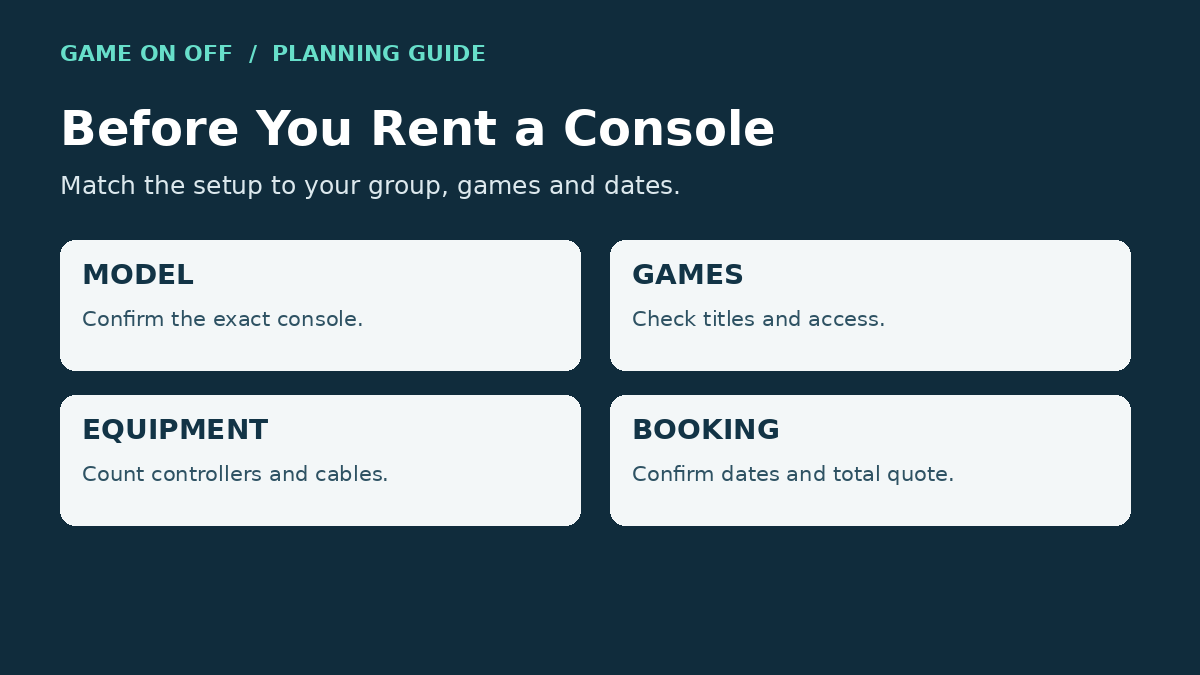
Renting a PS5, Xbox or Nintendo Switch in Dubai can be a convenient option for a gaming night, family gathering or event. Before booking, check the exact console model, number of controllers, games and subscriptions, and any additional equipment you need. Confirm the delivery area, rental dates, return arrangements and total quoted cost too.
This guide explains what to check before choosing a console rental from Game On Off. Start with the Game On Off rental catalogue, then ask the team to confirm the details for your dates.
Choosing Your Console and Equipment
Choose the games and number of players first, then check the hardware needed to run them. The table is a booking checklist, not a promise of stock, included games or a particular rental duration.
| Equipment | What to confirm |
|---|---|
| PlayStation 5 | Exact model; controller count; named games and their editions; any account or subscription needed. |
| Nintendo Switch | Exact model; supported play mode; compatible controllers; named games; dock, power adapter and HDMI cable if TV play is required. |
| Xbox Series console | Series X or Series S; controllers; game access; whether a suitable Game Pass plan is included or needed separately. |
| Accessories or VR | Exact item; compatibility with your chosen console and game; required cables, display and play space; separate charges. |
PS5 Rental Dubai: Games, Controllers and Accessories
Before confirming your PS5 rental, name the games you want to play and say how many people will play together. Ask whether the requested games support local multiplayer and how many compatible controllers the booking includes. Do not assume a game, subscription or extra controller comes with every console.
Check whether you need your own TV or monitor, and confirm the power and display cables supplied. For delivery, provide the address and ask about the arrival window, setup arrangements and return collection or drop-off. Same-day delivery should only be relied on when confirmed for your booking.
Nintendo Switch Rental: Match the Model to Your Plans
A Nintendo Switch can be a practical option for a gathering or a gaming session without committing to a purchase. Check the exact model and the play mode you need. Nintendo Switch Lite does not support TV mode, so do not assume every Switch can connect to a television.
Ask which games and compatible controllers are included, how many players each game supports, and whether the appropriate dock, power adapter and HDMI cable are supplied if you need TV play. Choose games using their individual age ratings rather than assuming every title is suitable for children.
Xbox Series Rental
Confirm whether you are renting an Xbox Series X or Series S, the controller count, and access to your preferred games. Xbox Game Pass is a Microsoft subscription service; it should not be listed as a Nintendo Switch rental inclusion. If a Game Pass plan is offered with an Xbox rental, confirm the plan, region and games available for your rental dates. Libraries and access can change.
Do not assume two controllers or a fixed number of pre-installed games is included. Ask what happens if a game needs an update, an account sign-in or an additional purchase, and how to contact the team for technical assistance.
Renting Gaming Accessories
Depending on your setup, you may want to ask about an extra controller, monitor, TV, headset or VR equipment. Check the current catalogue and confirm the exact model, compatibility and availability for your dates. Accessories may be separate rentals; include everything you need in the written quote.
How to Rent: Booking, Pickup and Delivery
Choose your equipment: Browse the catalogue and identify the console and accessories you want. Tell the team your preferred games and number of players.
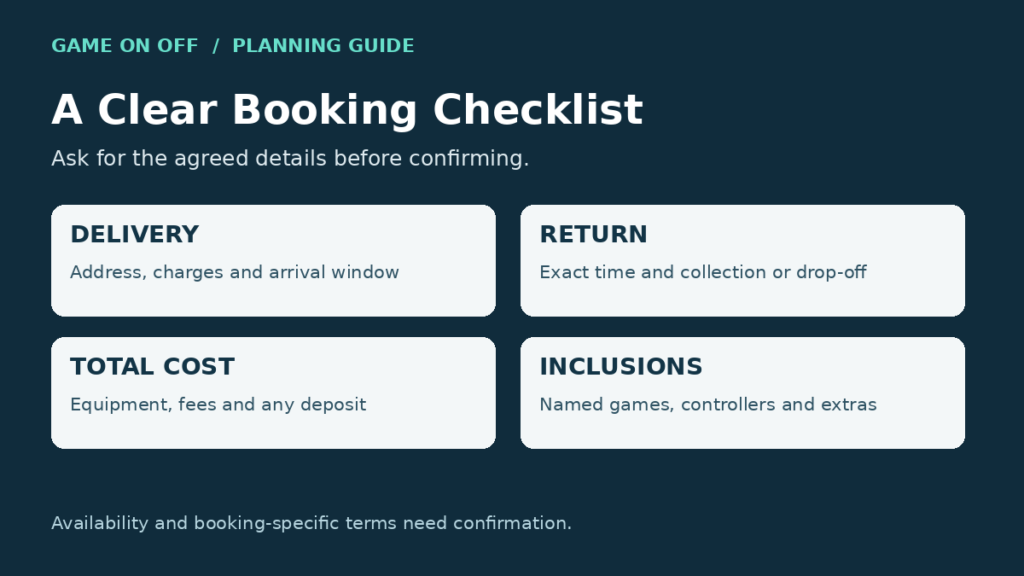
Set the dates and location: Confirm the rental start and end date, arrival window and exact return time. Ask whether delivery or pickup is available at the address you provide, and whether charges apply.
Check the total and terms: Request the total quote including equipment, delivery, collection and any applicable fees. Ask about the minimum duration, deposit, cancellation, damage and return conditions. Do not assume a discount or an unrestricted refund.
Keep the confirmation: Follow the booking instructions provided by Game On Off. Keep the agreed equipment list, dates, total cost and return arrangements so you know what to expect.
Read the published Terms of Use and ask the team to clarify the terms that apply to your booking before paying. Listed prices and products are subject to change and availability.
Frequently Asked Questions
Where can I compare console rental options in Dubai?
Browse the Game On Off rental catalogue and contact the team to confirm the exact equipment available for your dates.
How much does it cost to rent a PS5 in Dubai?
Check the current product listing, then request a total quote for the dates and equipment you need. A displayed nightly price alone does not confirm the full booking total or date-specific availability.
Does the rental include games?
Ask for the exact game titles, editions and access arrangements. Confirm whether a subscription is included or required separately.
Can a console be delivered to my home in Dubai?
Ask the team to confirm delivery to your address, its cost and timing, plus the return arrangements.
Is a security deposit required?
Ask whether a deposit applies, how it is collected, the return conditions and the expected repayment timing. Do not assume all bookings use the same terms.
Conclusion
Choosing the right console rental starts with checking the details that matter to your gaming session. Confirm the model, controllers, games, extra equipment, delivery arrangements, dates and total cost before booking. Browse the Game On Off rental catalogue or contact Game On Off to request a quote for your preferred dates.

Your guide about Nintendo Switch in Dubai
Thinking of buying a Nintendo Switch? It’s not as straightforward as just picking one up. There are several key aspects to consider. From different models

iPhone 16 in Dubai Everything We Know
With every new release, Apple manages to stir up excitement and curiosity among tech enthusiasts. The iPhone 16 is no exception. This new lineup brings

Event Services in Dubai for Birthdays, Parties & Companies
Get ready to elevate your event to the next level with gaming consoles that promise endless fun! Whether you’re hosting an eSports tournament, school gathering,