
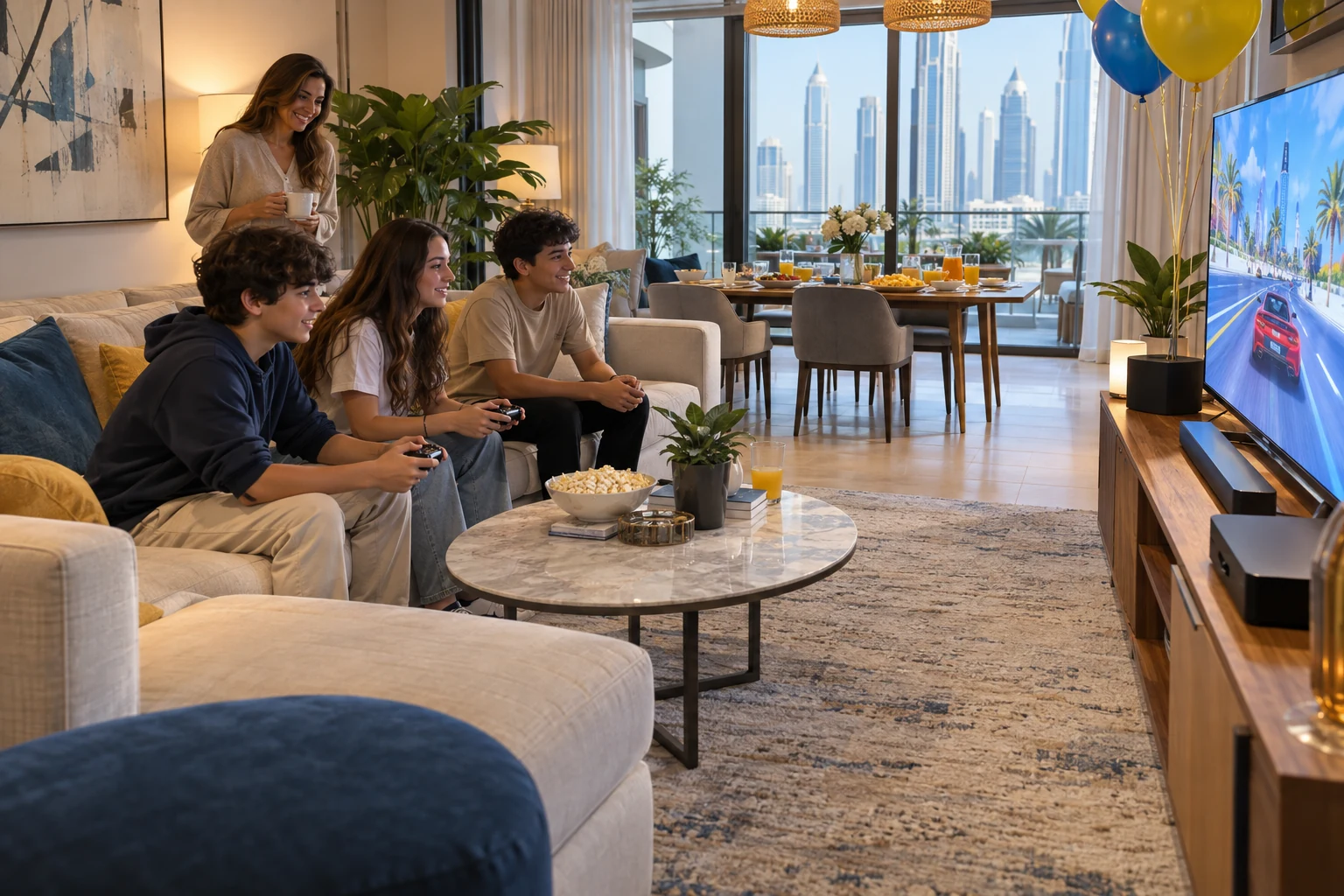
Hosting a gaming birthday party at home in Dubai starts with a room that works for players and guests. Think about where the equipment will go, how children will take turns, and when everyone will stop for food and cake. A little preparation makes it easier to agree a setup that suits your home.
Game On Off offers gaming birthday parties at home or a chosen indoor venue. Use this gaming party setup checklist to plan the practical details before booking. The layout and timetable below are examples to adapt with the team, not package inclusions.
Gaming Party Setup Checklist for Your Home
- Clear the playing area. Allow for screens, seats, controllers and movement around each station, as well as the equipment itself. Share room measurements and photos so the team can assess the proposed setup.
- Keep a route open from the entrance to the playing area, waiting seats and bathroom. Move loose belongings and agree any furniture changes before delivery.
- Check access. Mention stairs, narrow doors, lifts, parking or loading restrictions, and any building rules that affect delivery and collection.
- Choose separate places for waiting and for food and cake. Guests should not need to cross an active play area to get a drink or reach the exit.
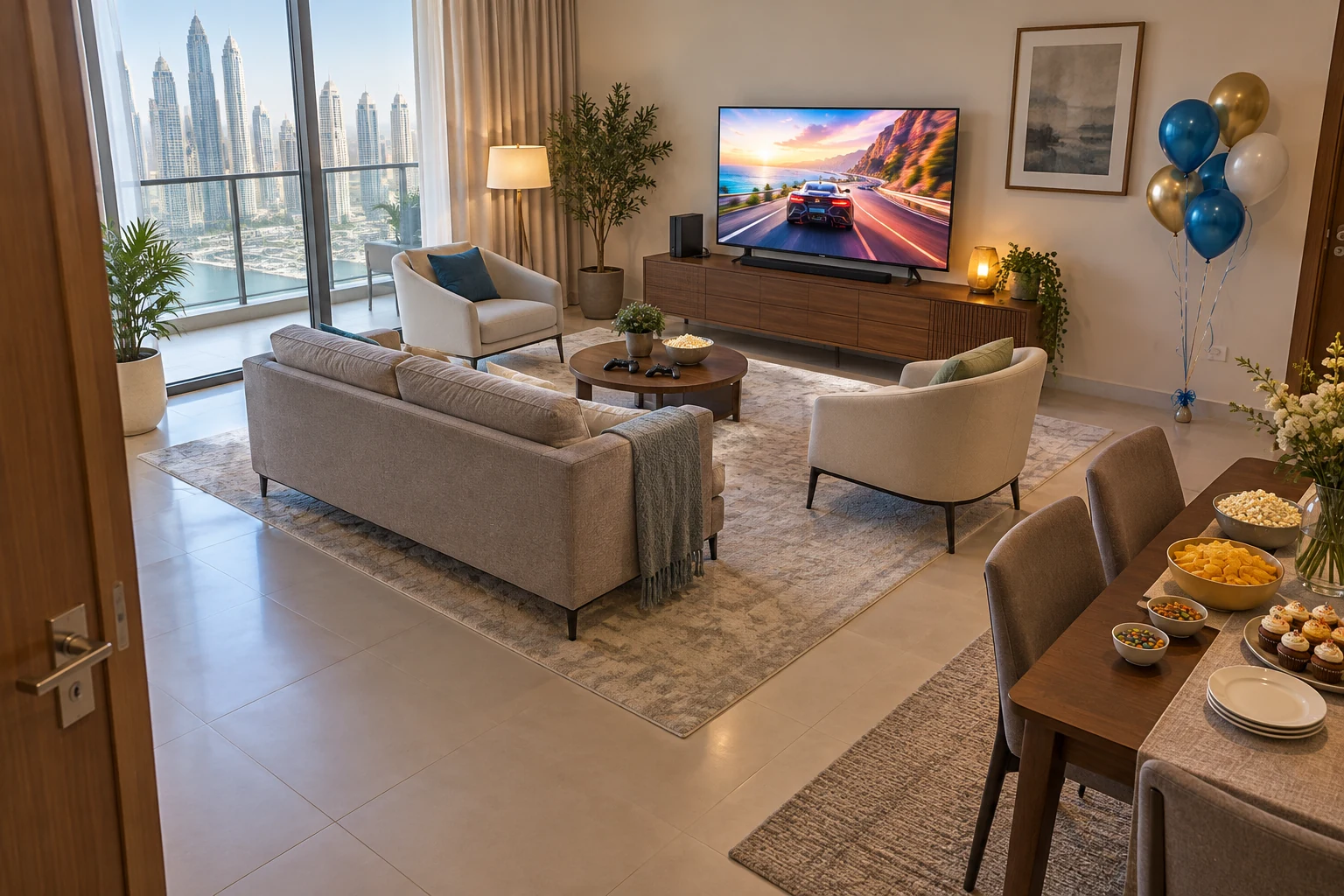
An Example Home Layout
- Console seating and screens.
- An optional activity zone, subject to confirmed suitability and clearance.
- A clear route from the entrance.
- Waiting seats outside the playing area.
- A separate food and cake area.
Illustrative layout checklist, not to scale. The optional activity zone could be used only after the team confirms suitability and clearance. It does not show a promised number of stations or guests.
Check the Technical Setup Before the Party
For a PS5 birthday party at home, show the team where the sockets and screens are before they arrive. Ask who supplies each screen, stand, cable and power accessory, and whether your own TV can be used. Let the team confirm the electrical requirements for the final equipment list rather than guessing from the number of free sockets.
Place screens where players can see clearly without blocking a doorway. Leave enough room for seating, controller use and people passing behind the players. Agree cable routes that avoid walkways, and keep ventilation openings clear. Do not rearrange connected equipment during the party without checking with the team.
Ask which games need internet access and whether offline play is available. Check the Wi-Fi where the stations will stand, then agree how games, updates and connections will be tested before guests arrive. An offline alternative is useful if a connection drops. Arrange a test of the full setup rather than relying only on a speed test.
Choose Suitable Gaming Equipment
The right equipment depends on the room, the guests’ ages and how they like to play. Share the age range before selecting devices or games. Ask the team to confirm the exact model, its age requirements, game ratings and any supervision or fitting needs. A device being available does not make it suitable for every child.
| Equipment | What to confirm for your home |
|---|---|
| Console gaming | Screen and seating positions, controllers, suitable games, and how many can play each selected game at once. |
| Virtual reality | Exact headset and game suitability, required clear movement area, boundaries, breaks and supervision. Keep spectators outside the play space. |
| Racing simulators | Access through doors, the full equipment footprint, seat and control fit, and room to get in and out. |
Plan Player Rotation and Waiting Time
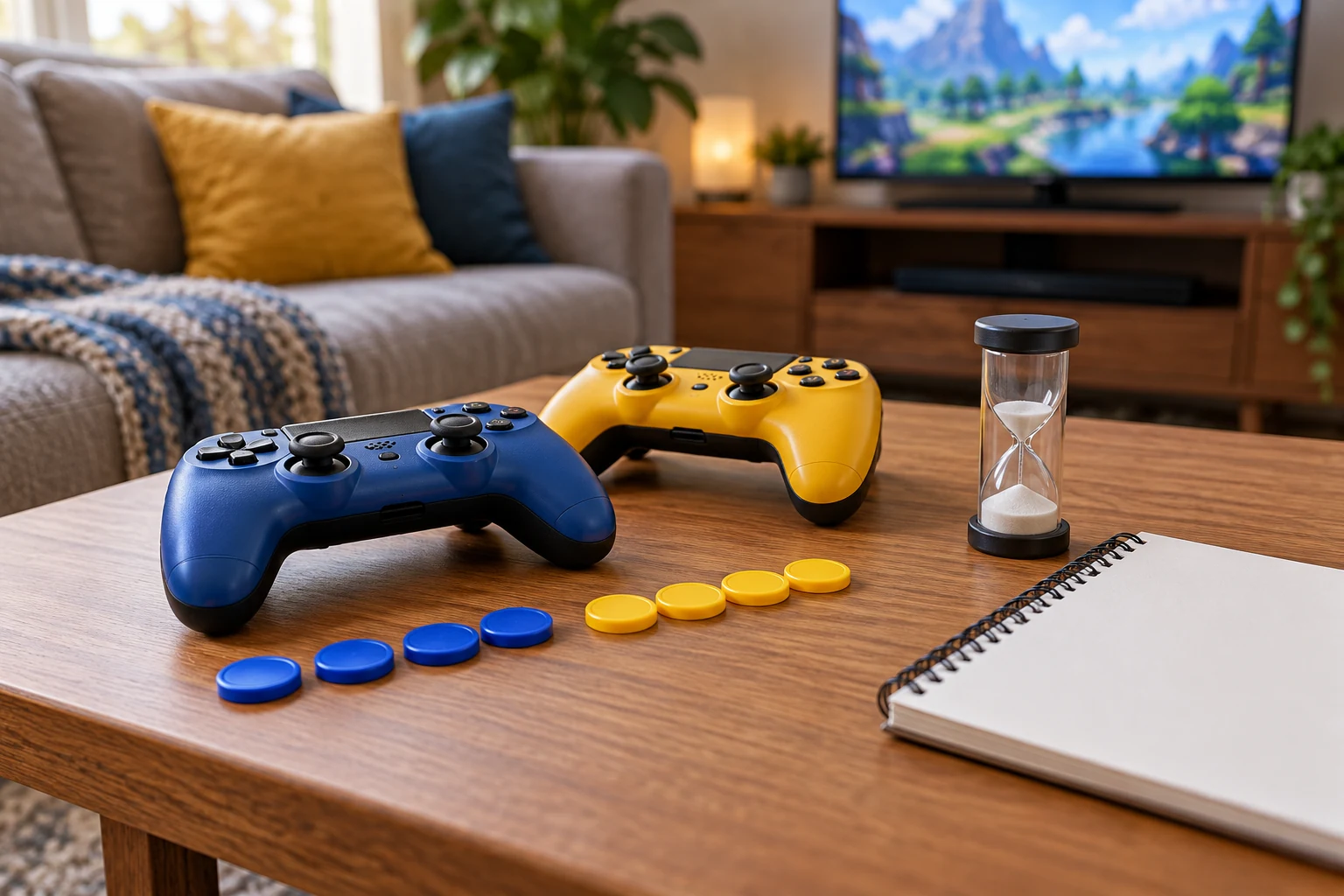
Plan turns around the number of people who can actually play each game, rather than the number of consoles. Divide guests into small groups and write down the order. Agree a short round length with the team, allowing time for explanations, controller or headset changes and breaks.
Tell guests when their turn is coming and use a visible timer or simple turn list. Waiting guests can watch from the seating area or join a quiet activity arranged by the host. Keep an option for anyone who does not want a headset or competitive game. If the proposed schedule leaves long waits, discuss a smaller playing group, different games or a different setup before booking.
An Illustrative Two Hour Gaming Birthday Party Schedule
This run sheet covers two hours from guest arrival to pickup. Arrange delivery, setup and testing beforehand, with breakdown and collection afterwards. Confirm how those periods are counted in your booking. The timetable is a planning example, not a statement of package duration or continuous screen time; adapt play and breaks to the children and equipment.
| Time | Activity | Practical detail |
|---|---|---|
| 00:00-00:15 | Arrival and briefing | Welcome guests, explain turns and equipment rules, and show the waiting and food areas. |
| 00:15-00:45 | First gaming session | Run the first planned rounds, including changeovers and any needed breaks. |
| 00:45-01:10 | Second round and station swap | Move groups in the agreed order. Allow time for fitting, instructions and drinks away from equipment. |
| 01:10-01:30 | Food and cake break | Pause gaming so the group can eat and celebrate together. Keep equipment away from spills. |
| 01:30-01:50 | Final gaming session | Give guests their remaining planned turns. Leave time for children who need help with the controls. |
| 01:50-02:00 | Wrap up and pickup | Finish games, collect belongings and coordinate pickup before equipment is packed away. |
Agree Adult Responsibilities for the Party
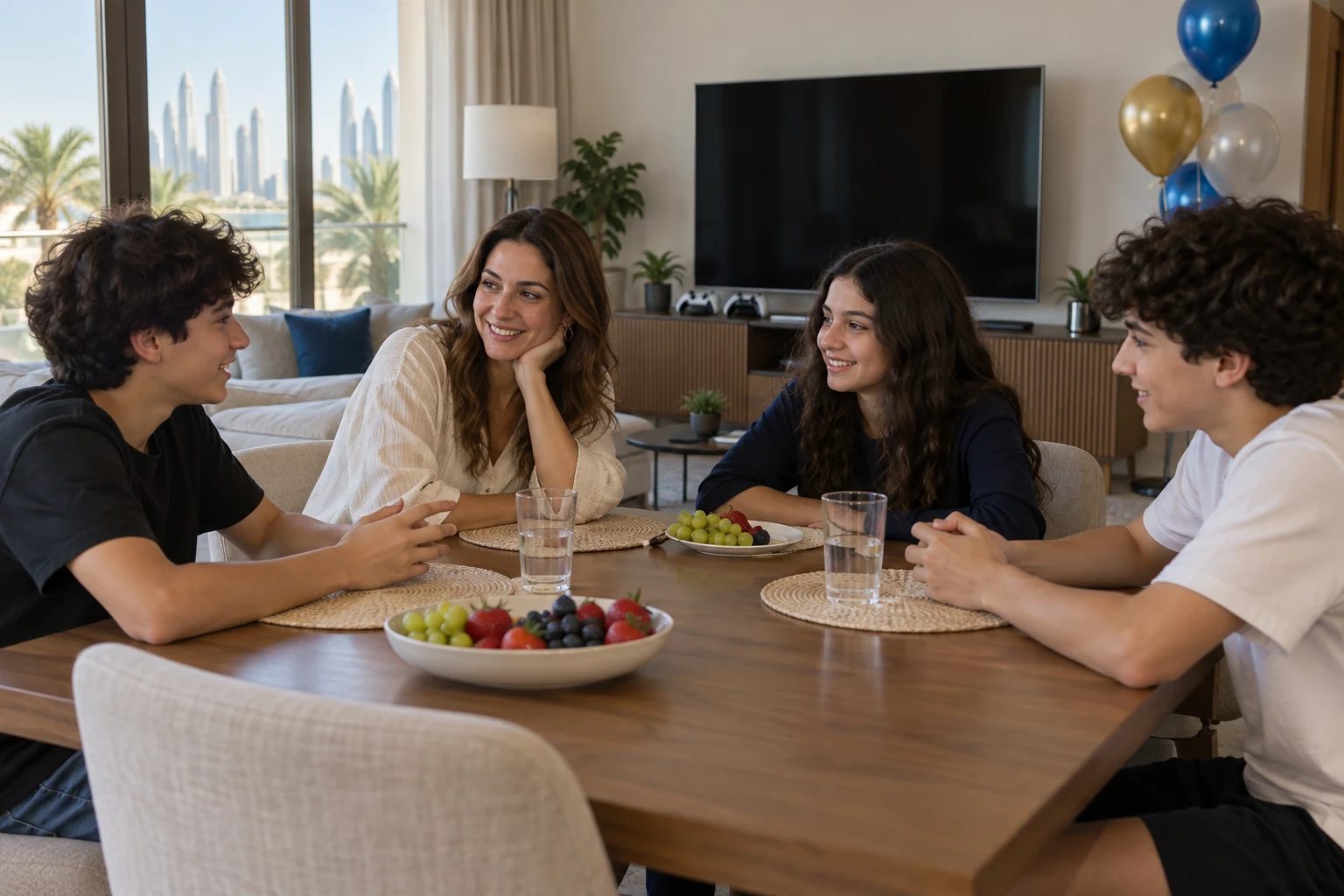
Before the party, agree who handles equipment setup, game instructions, rotations and breakdown. Confirm which staff will be present and what their role covers. Gaming support should not be assumed to cover every part of childcare or the household arrangements.
Choose a parent or responsible adult as the main contact on the day. Agree which adults remain on site, who helps with younger siblings or children taking a break, and who manages bathroom trips, food and pickup. Make sure the adults know whom to contact if a child needs help.
Keep food and drinks in their own area, with a clear route to it. Plan the cake moment with whoever is running the games so everyone can stop together. The host should check dietary needs with families and confirm who supplies, serves and clears the food. Do not assume catering or a cake is included unless it is listed in the agreed quote.
Finally, separate equipment breakdown from household cleanup. Agree who clears rubbish, deals with spills and puts furniture back. Keep children away from the equipment while it is being disconnected and packed.
What to Share When Requesting a Home Gaming Party Quote
Start with the event date, location in Dubai, age range and expected guest count. These details help the team check availability and suggest a suitable setup. It is also useful to share:
- The preferred start and finish times, including when access is available for setup and collection.
- Photos and measurements of the cleared space, plus stairs, lift, doorway or building access restrictions.
- The gaming experience you would like, and any games the children enjoy or should avoid.
- Available sockets, screens and internet, along with your plans for waiting seats, food and cake.
Browse the birthday party packages for an overview, then ask for a written quote for your home. Confirm the equipment, playable capacity, staff responsibilities, setup and collection times, any food arrangements, total price and booking terms before agreeing.
FAQs
How much space do I need for a gaming birthday party at home in Dubai?
There is no single room size that suits every setup. You need space for equipment, players, waiting guests and clear access routes. Send measurements and photos, and ask the team to confirm the clearance for each chosen device before moving furniture or finalising the guest list.
What should I check before hosting a PS5 birthday party at home?
Confirm the screens, controllers, power arrangement, game choices and number of simultaneous players. Ask whether internet access is needed and allow time to test the full setup before arrival. Make a turn list if everyone cannot play at once.
How can I keep guests engaged while they wait?
Use planned groups, explain the rotation and keep rounds manageable. Provide a place to watch without crowding players and a quiet activity or break option. Match the number of guests to the playing capacity and time available.
Are there different age requirements for console and VR gaming?
Yes. Requirements depend on the device, the game and the way it is used. Give the team the guests’ ages and ask them to confirm suitability for the exact equipment. Keep a suitable alternative available for anyone who cannot or does not want to use it.
Does the two hour timetable include setup or food?
The example starts when guests arrive and reserves a break for food and cake. It does not establish any booking inclusions. Confirm setup, breakdown, catering and the booked duration in your quote.
Plan Your Home Gaming Party
Share your date, location, age range and guest count when you contact Game On Off. Add a few photos of the space and your preferred timings so the team can discuss a suitable home setup and provide a quote.
The layout does not confirm an equipment package.

Your guide about Nintendo Switch in Dubai
Thinking of buying a Nintendo Switch? It’s not as straightforward as just picking one up. There are several key aspects to consider. From different models

iPhone 16 in Dubai Everything We Know
With every new release, Apple manages to stir up excitement and curiosity among tech enthusiasts. The iPhone 16 is no exception. This new lineup brings

Event Services in Dubai for Birthdays, Parties & Companies
Get ready to elevate your event to the next level with gaming consoles that promise endless fun! Whether you’re hosting an eSports tournament, school gathering,